Image Color Picker
Extract exact colors from any image. Build palettes and save your work instantly.
How to extract exact colors from an image.
- 1
Upload your image.
Select a JPEG, PNG, or WebP file from your device, press Ctrl+V to paste a copied screenshot from your clipboard, or enter a direct web image URL.
- 2
Pick the exact pixel.
Hover over any pixel on the image canvas. Use the built-in magnifier loupe to target exact coordinates with sub-pixel precision color inspection.
- 3
Copy formats or save palettes.
Instantly copy exact color values across 11 digital and physical formats (HEX, RGB, HSL, CMYK, OKLCH, LAB) with one click, or save extracted colors into palettes.
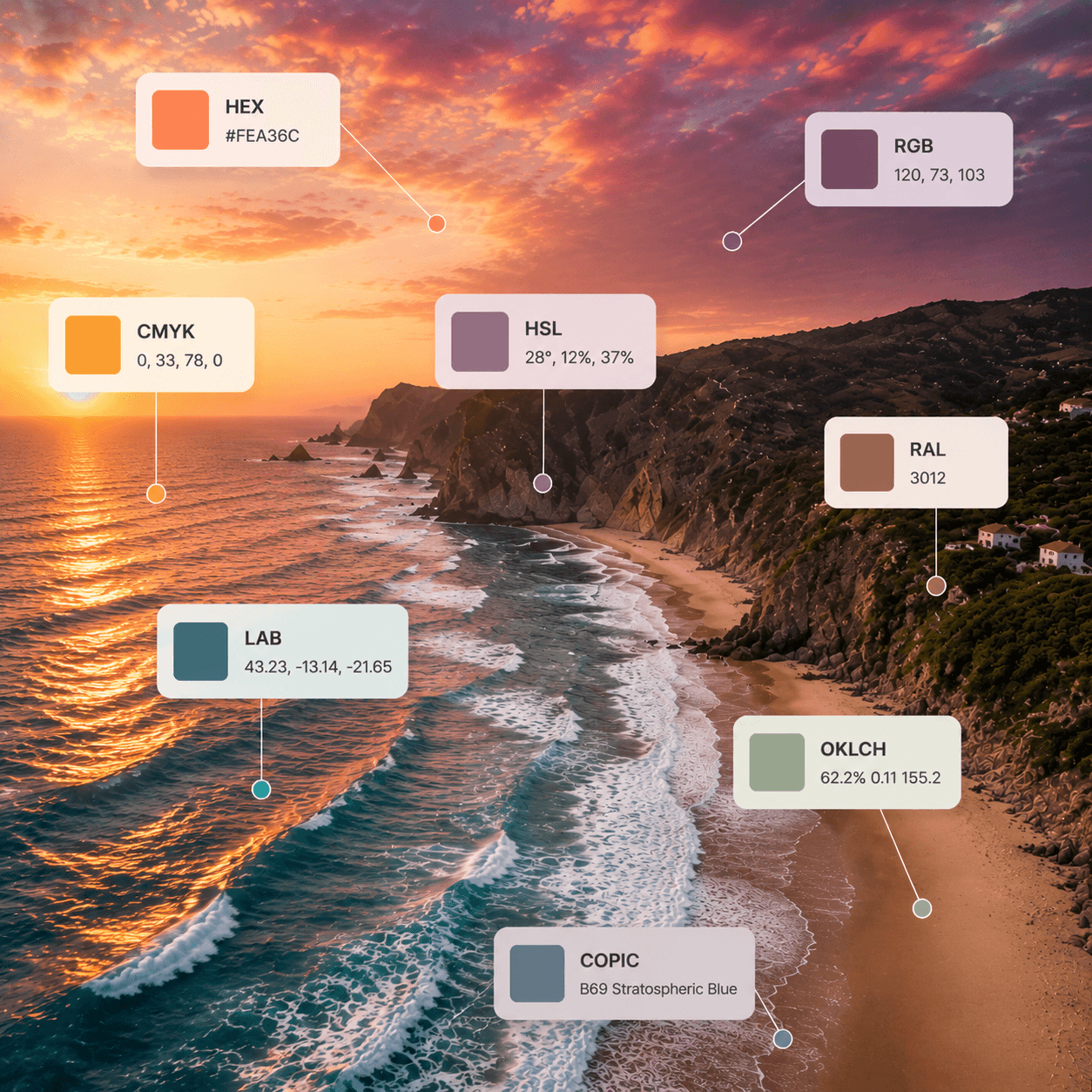
Pick any color. Get every format.
Click anywhere on your image to instantly extract the color you need. We automatically convert it to multiple formats so you can use it across any project or platform.
- HEX
- RGB
- CMYK
- HSL
- LAB
- PANTONE
- RAL
- OKLCH
- and more
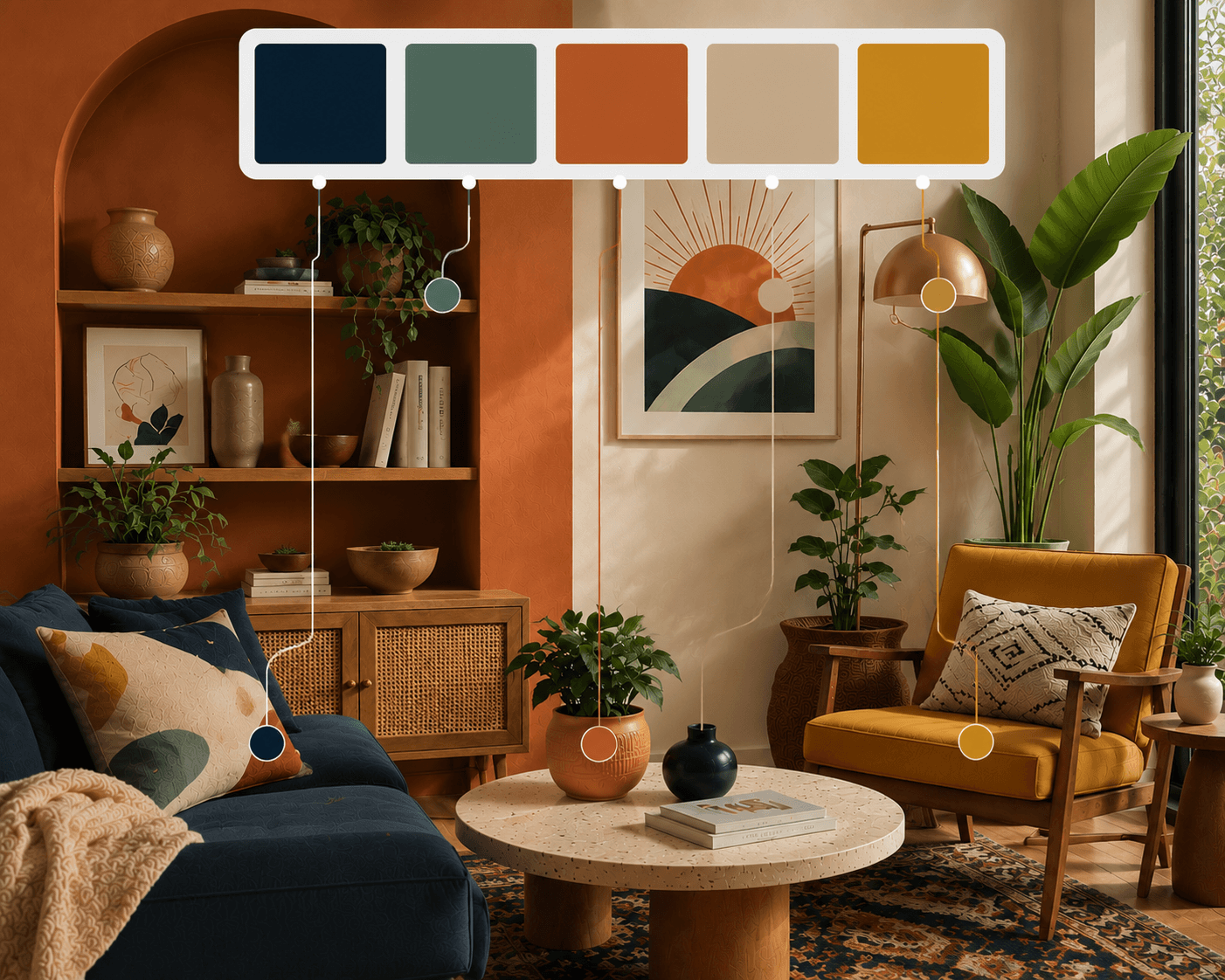
Turn colors into beautiful palettes.
Extract multiple colors from your image and generate stunning palettes in seconds. Save, organize, and reuse your palettes whenever inspiration strikes.
- Auto palette generation
- Save & organize
- Export palettes
- Unlimited palettes
- Share with your team
Simple tool. Big help.
Everything you need to pick, copy, and use colors—without any hassle.
Files, Clipboard & Image URLs
Upload an image file, press Ctrl+V / Cmd+V to paste a screenshot directly from your clipboard, or paste an image URL to extract colors instantly.
Many formats, all in one place
Get your color in HEX, RGB, HSL, CMYK, HSV, LAB, and more. Copy what you need, right away.
Private by design
Your images never leave your device when picking colors. Everything runs right in your browser for maximum privacy and speed.
Copy with one click
No typing. No converting. Just one click to copy any format and use it anywhere.
Save exactly how you want
Keep quick colors in your browser for easy access, or save important palettes to the cloud so they are always with you on any device.
Fast, light, and free
No sign up needed for basic use. No limits. Just a super fast tool that's always free to use. Forever.
Crafters, artists, designers, decorators, marketers, and hobbyists—like you.
Frequently
asked questions
Explore Related Tools
Expand your color workflow with our other precision tools.